Online Piano Lessons for the Whole Family
Different songs. Different ages. One membership.
Piano lessons for the people who share your home. Let each person choose their own path, with teacher feedback for the questions that come along the way.
7 days free, then $19.95/month. Payment method required.
Cancel before day eight to avoid billing.
More student stories →“My child can’t wait for his lesson each week! Kids learn songs that they like and enjoy practicing.”
Caryn B., Learn Piano Live parent
Everyone can have a different starting point.
A child learning a first melody, a teenager exploring chords, and a parent returning to piano can all use the same digital membership. Nobody has to keep pace with someone else.
On this page
A path for each person
Children can open a kids’ lesson or work through Klopol Piano Academy. Teens and adults can explore songs, chords, jazz, theory, and improvisation. Different ages and interests can share the same resources without sharing the same assignment.
The digital price covers your household
One digital membership includes the lesson library, courses, Academy, and personal video feedback. It is $19.95 per month after the trial, $199 per year after the trial, or $499 once for lifetime access.
When several people want to learn, you do not need to buy a separate digital membership for each one.
A routine that leaves room for family life
Give each learner one current goal. Keep the keyboard ready, use short practice windows, and celebrate what changed. Parents can encourage without having to diagnose every musical problem.
When someone needs help, send Jamin a video and a question. A parent or guardian controls sharing permission for students under 18; a video can stay private for feedback.

You have a teacher to turn to.
Jamin Coller personally reviews members’ submitted playing. Share a short video, explain what feels difficult, and get guidance for your next practice session. You can ask before it sounds perfect.
Meet Jamin →MUSIC TOOLBOX · FREE TO USE
Something for the whole musical household.
Keep time, train your ears, or explore a new sound together. Music Toolbox is free for everyone to use.
Open Music Toolbox No signup or payment details required.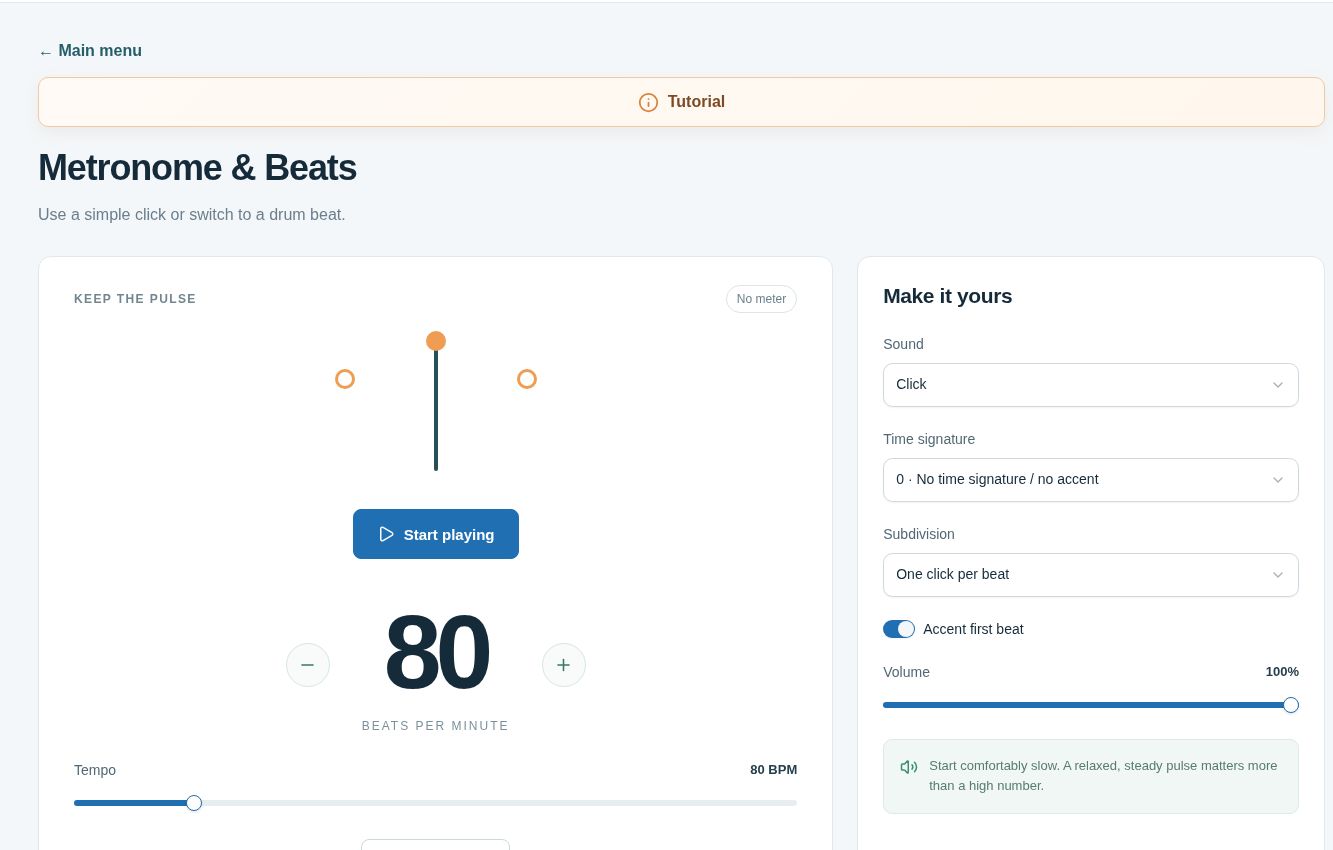 Real tools. Ready when you are. ↗
A few things you might be wondering.
Can siblings use the same digital membership?
Yes. One digital membership covers the household, and siblings can use different lesson paths.
Can a parent learn too?
Yes. Adult and kids lessons are included, so a parent may pursue a separate goal under the same household membership.
Do all family members have to attend live lessons?
No. Each person can use archived lessons, courses, the Academy, and tools on a schedule that works for them.
Is personal feedback included for the family?
Personal video feedback is included with digital membership. Submit a focused playing example and question for Jamin to review.
Bring more music into your home.
Seven days of complete digital access. Explore a lesson, work through a course, and send Jamin your playing for personal feedback.
Then $19.95 / month
One digital membership for your household.
Payment method required. Monthly and annual plans bill on day eight unless canceled first. One trial per customer. Lifetime has no trial.